“The management, the dj's and most important our listeners love the sound of our station via Breakaway. It became one of our most valued pieces of software. ”
Josef Krauthausen from Roermond-Herten, Limburg Netherlands
"It's the real in deal broadcast quality audio processing."
Sam Sergi, Raw FM Australia
"WOW! Great work Leif!
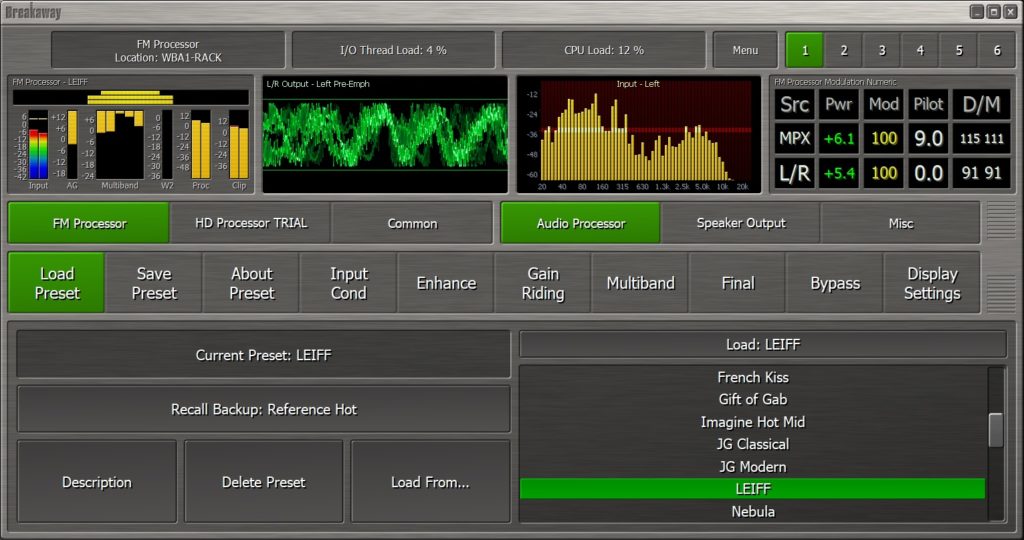
Big thumbs up on the cool interface and waveform display.. let alone the sweet audio.."
Matthew Trim, Switch1197
Brisbane, Australia
"Breakaway processing is effortless! So easy to set up and use, it's virtually bulletproof. Not since the days of the analog Orban processors has something been so easy to set up, use and, most important, sound so good!"
Mike Erickson, WGLI
Documentation
Calibration (FM)
Calibration (FM)
Breakaway Broadcast Processor generates a tightly peak and spectrum controlled signal suitable for the airwaves.
If you're connecting to your stereo generator digitally (S/PDIF or AES/EBU), no calibration is necessary - the signal is perfect already.
However, if you are using Analog L/R out, or Analog MPX out, calibration may be necessary. Regular sound cards are not designed to accurately pass through these signals through the analog output.
Breakaway Broadcast Processor contains calibration features which can accurately compensate for sound card deficiencies, but they must be manually adjusted.
Calibration can be done in the following ways:
- Calibrate using Oscilloscope
- Calibrate using Modulation Monitor
- Calibrate using Breakaway Calibration Tool (Some assembly req'd. Last resort!)
If you do not yet have an oscilloscope, it may be worth buying one -- for example, a used Tektronix 465 is an excellent scope and can be had for under $100 on eBay.